
3.3.1 Choosing topology settings
1. Click on Topology on the top of the page:

2. Type in Qmanager name and press enter on your keyboard - all other fields will be automatically filled in with corresponding data:
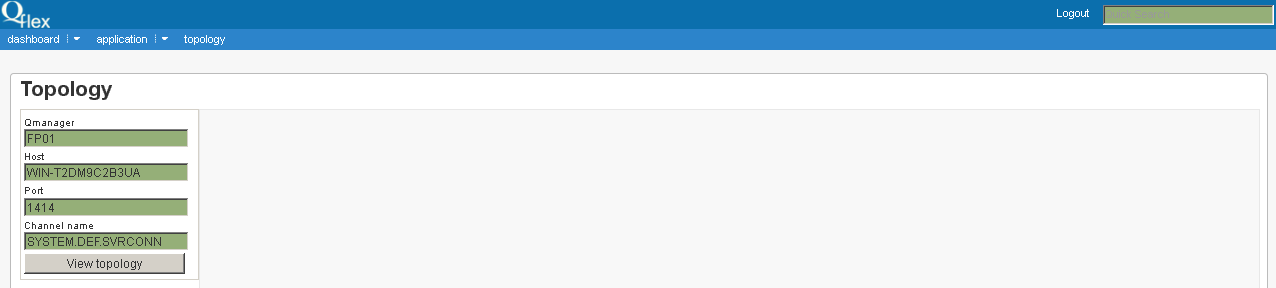
If you press down arrow on the keyboard with active QManager field, a list of all QManagers will appear and all fields will be automatically completed:
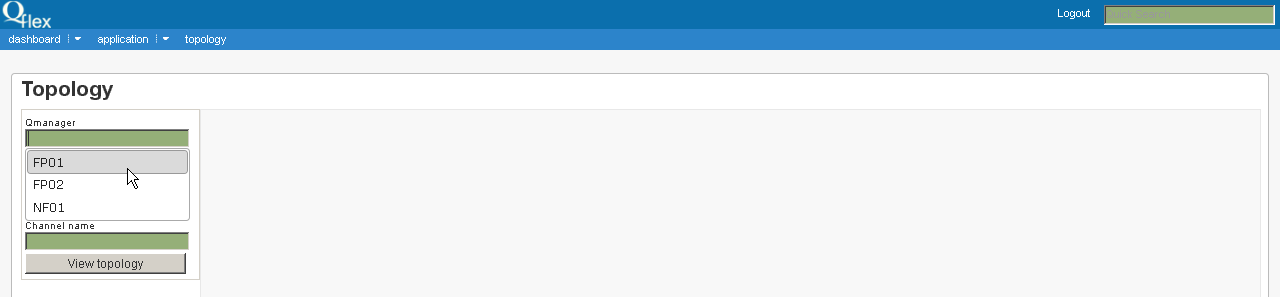
Press View topology button.
3. The scanner will search all Channels connected to this QManager. If in Channel’s service data there is information on other QManager, then the system will try to connect to it and scan its Channels. The process is finished when all Channels are scanned.