
3.1.1.1 Display and sorting options
By clicking on Chart or Table in the top right corner you can switch display mode from graph to table:
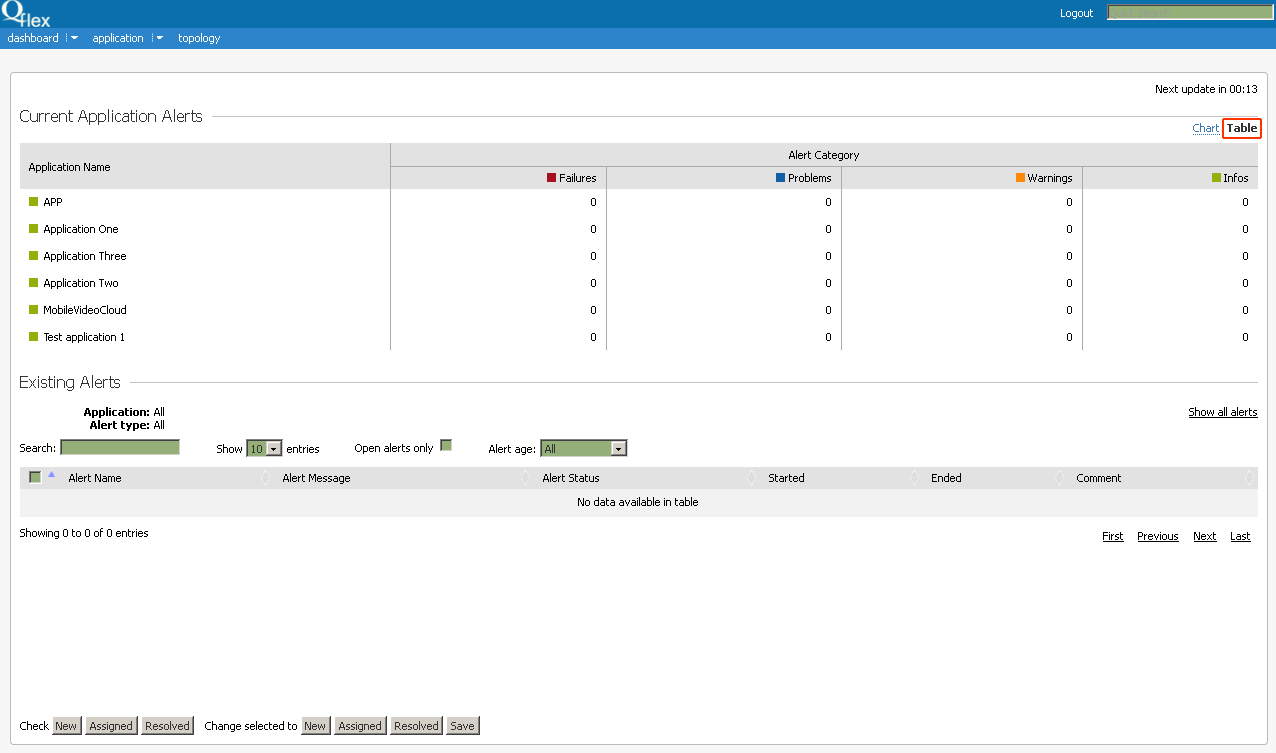
Table display mode offers more detailed information. It can be also used as filter for sorting data from the lower table Existing Alerts which displays the last 1500 (maximum) existing alerts:
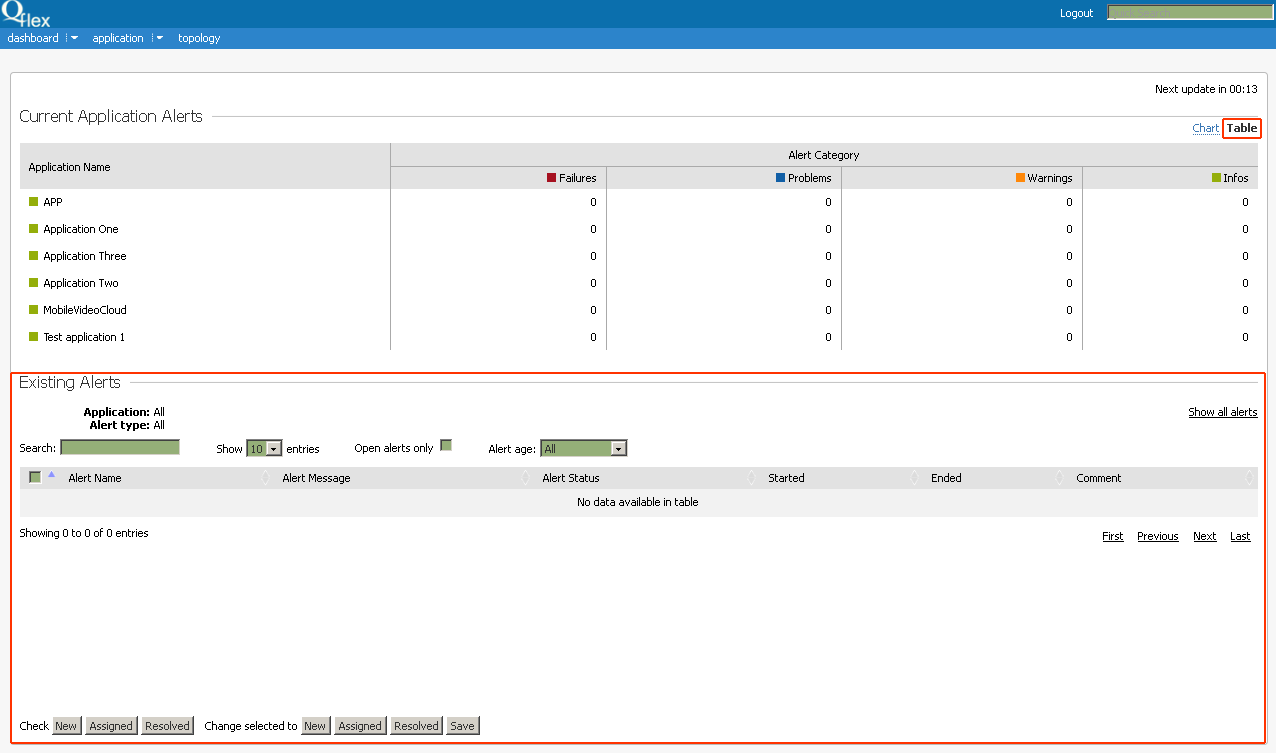
Current filter status is shown on the top of the table:
Application: | All |
Alert type: | All |
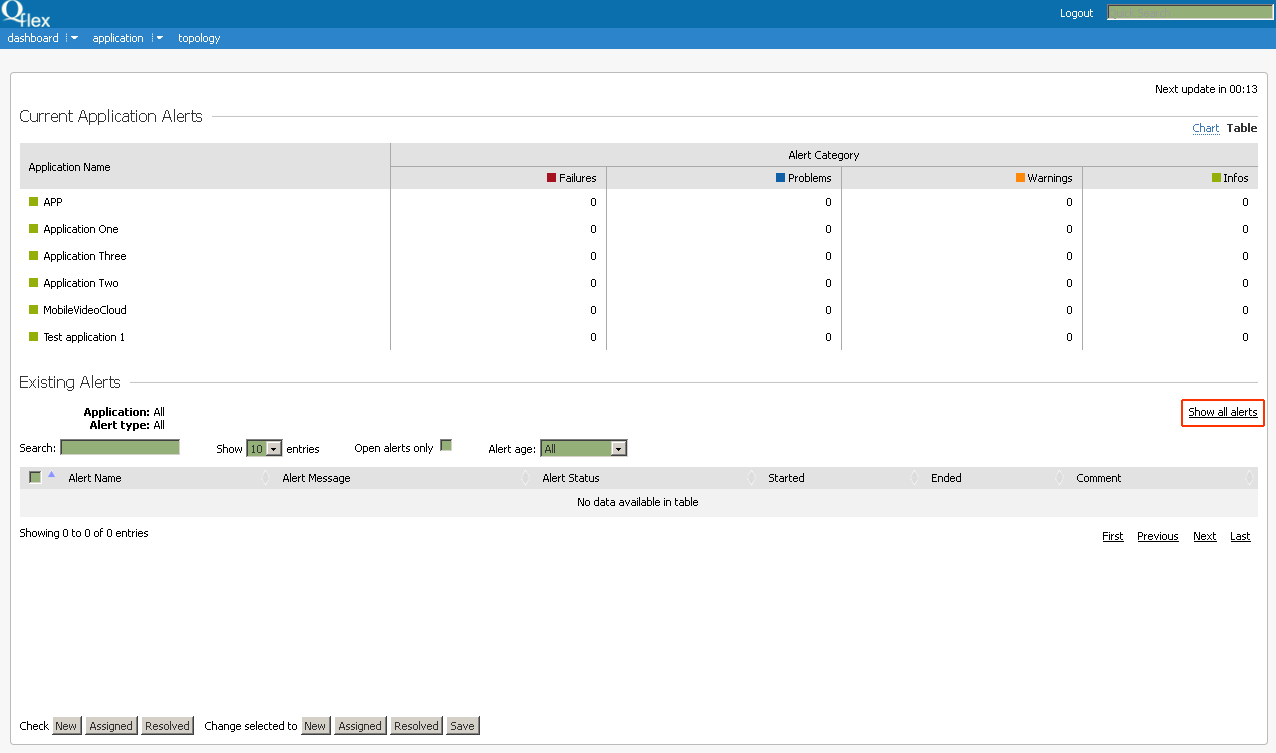
You can sort data of the lower table by clicking on cells of the upper table (as well as column and row headers). Click on Show All Alerts in the right corner to reset the filter:
Additional filters:
Open Alerts Only - shows only Alerts with empty Ended field (i.e. not completed).
Alerts Age - shows all/for the last 24 hours.