
3.1.1.2 Other options
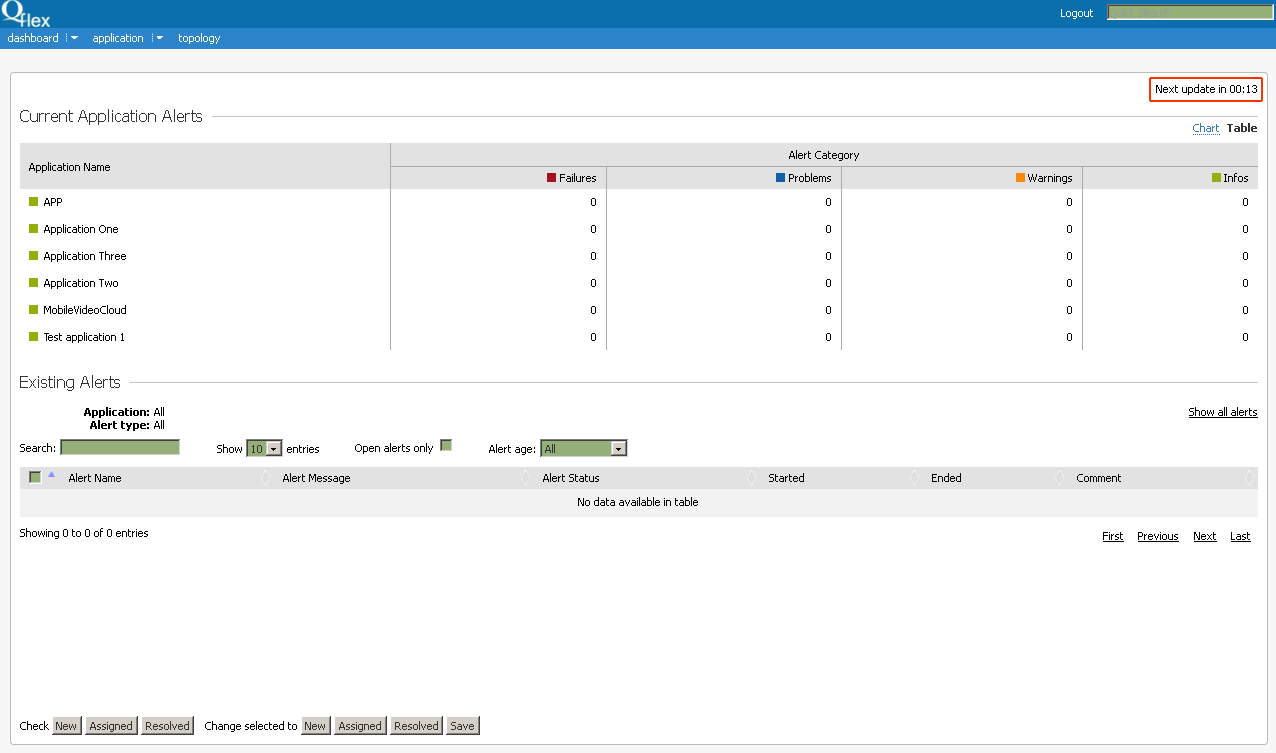
The webpage is automatically updated each 3 minutes. Click on the time counter to update it manually:
You can change status of Alert (Each new Alert has New status) for single items by selecting necessary status from radio buttons (New, Assigned, Resolved):
Checkbox in the beginning of the line will be automatically checked - after the form is sent only checked Alerts will be updated.
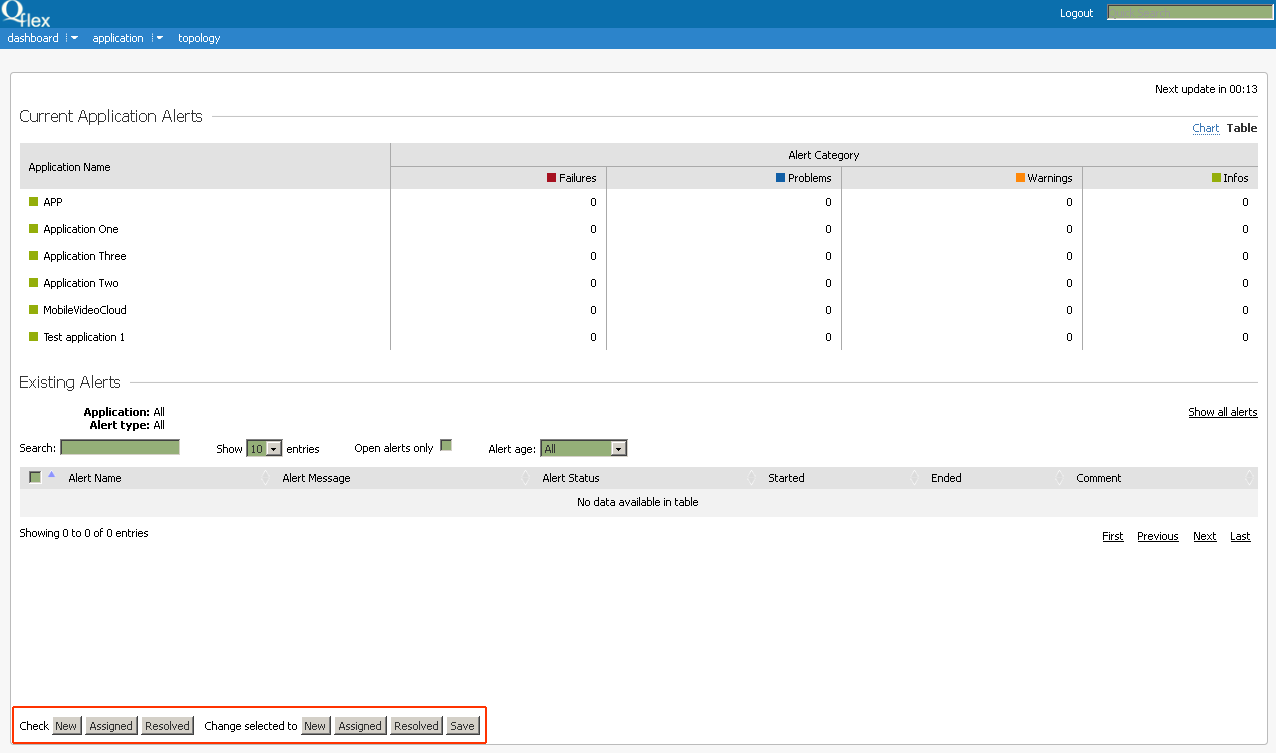
Use Check New/Assigned/Resolved buttons to select several items, in this case all Alerts with corresponding status will be selected.
To change selected lines use buttons Change selected to New/Assigned/Resolved. All selected Alerts will change their status depending on the pressed button.
Press Save button to store new settings.
To edit comment to an Alert double click on Alert Name or Comment cell and type in new data in appeared window.